As a Sowiso author, you can copy exercises, theory pages, packages, (sub)chapters, or courses. Depending on what you want to achieve, you may need to follow different steps. This article outlines the recommended steps for some of the most common use cases.
These use cases apply to copying Sowiso-made materials. Sowiso-made materials must always be copied into your own author group before you can make any changes to them.
Get familiar with the Sowiso content structure, and all the copy options.
I want to rearrange exercises within a package, without making changes to the exercises
Start by copying your package, subchapter, or chapter into your own author group. Then, reorder your exercises freely.
❗Note: copying a chapter only copies references to the theory and exercises, not the content itself. This means:
- Any future updates we make to that content will automatically show up in your copy.
- Any content we add to the original chapter later will not appear in your copy.
I want to keep the same structure of the (Sowiso) course, but I want to make changes to the exercises
Copy the chapter, selecting everything you want to keep unchanged, i.e., everything except the packages containing exercises you plan to edit.
- If you're only adding or removing exercises, copying the packages (references only) is enough.
- If you're changing just one or a few exercises, this is also enough: you can swap the edited exercises individually.
For packages that need changed exercises, copy those packages into your new chapter/subchapter and enable "Also copy the exercises, not just the references."
💡Tip: Only use this option if you intend to edit most or all exercises. Copying exercises directly means you will miss any future improvements we make to the originals. If you only need to change a few exercises, copy those individual exercises, then replace them within your already-copied package (the one that still holds references).
I want to incorporate new material into the existing course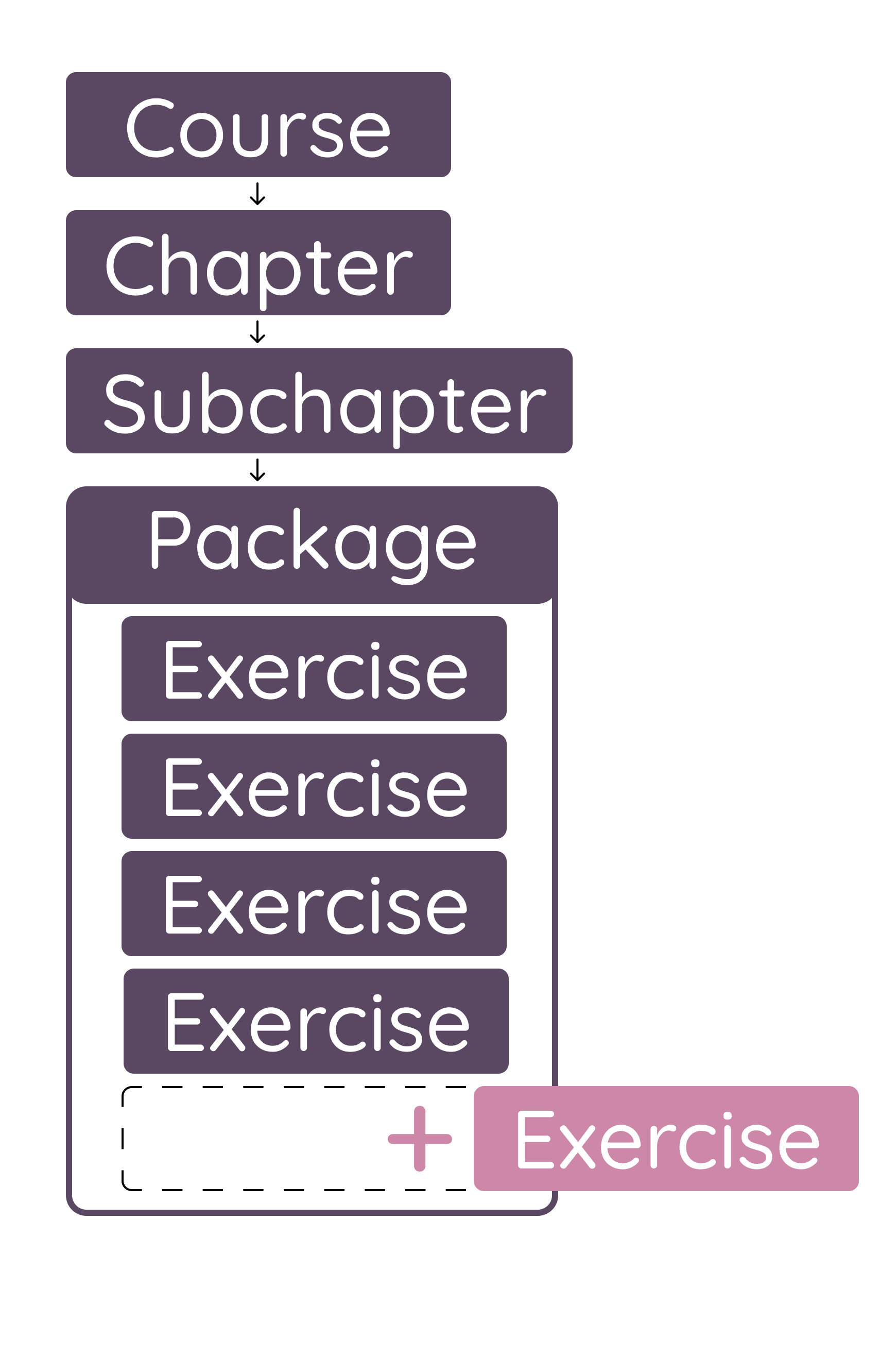
Copy the entire chapter (the chapter where you wish to add the new materials) and add your new exercises to the exercise package.
❗Note: It is not possible to edit the existing exercises without the "write" access.
To combine your new exercises with edited versions of existing ones, either copy the whole package or copy the individual exercises you want to change and replace them.
To add subchapters/theory pages: go to the material and copy or move it into the chapter, or create new theory pages directly within the subchapter.
I want to add a new chapter (new exercises and theory pages) to the existing course
In this case, it is not necessary to make copies of any materials. Instead, create a new, independent chapter and add it to the class, then remove or hide the original chapter if it's being replaced.
I want to adjust a theory page, but keep the original chapter structure in place
Start by copying the entire chapter into your author group. Then, open the theory page in edit mode.
Click on "Detach to edit." Make your adjustments and save.
I want to add a new subchapter to an existing chapter
Start by copying the entire chapter. Then, create a new subchapter and drag it to the desired position. Create theory pages and packages within it, and fill them in as needed.
💡Tip: If the new subchapter belongs at the end of the chapter, consider making it a separate new chapter instead and inserting it into the class. That way, any future changes we make to the existing chapters (including added or removed content) will still flow through to your class.